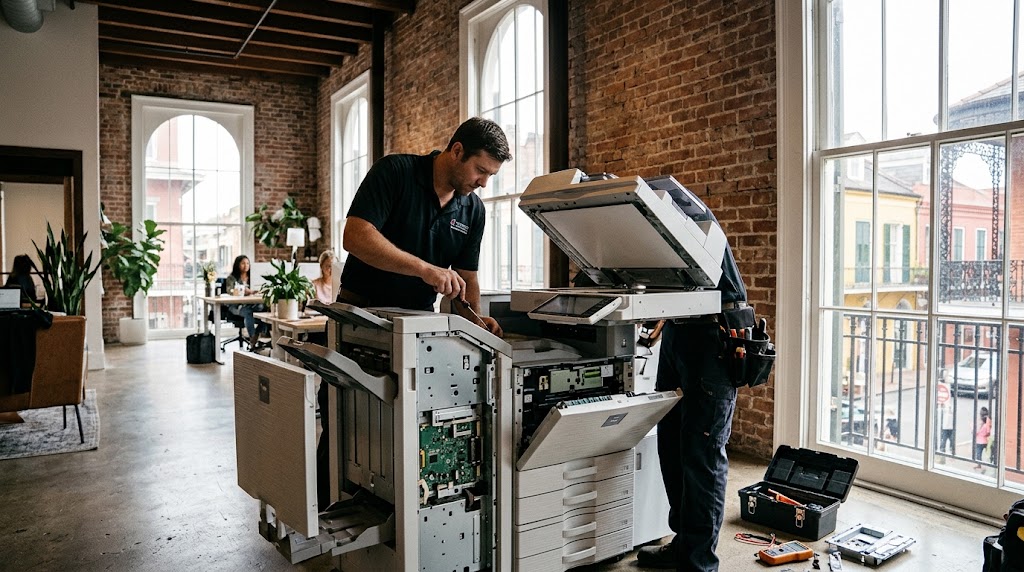
From busy law offices in the Central Business District to boutique creative studios housed in historic French Quarter brick warehouses, high-volume copiers remain the workhorses of New Orleans businesses. When a primary multifunction printer goes down before a critical trial filing, client pitch, or event rollout, office operations grind to a halt.
Copier upkeep in South Louisiana, however, comes with distinct regional challenges that set it apart from standard office machine maintenance elsewhere.
The Bayou Climate Factor: Humidity vs. Hardware
The primary culprit behind unexpected copier failures across Greater New Orleans isn’t software—it’s the sub-tropical climate.
- Moisture-Laden Paper: High ambient humidity causes paper to absorb ambient moisture (a property known as hygroscopy). Moist paper softens, curls, and adheres together, resulting in persistent multi-sheet misfeeds, jamming inside feed rollers, and fuser errors.
- Toner Clumping and Streaking: Excess atmospheric dampness degrades toner adherence, leading to faded printing, smudging, or roller accumulation that streaks finished documents.
- Historic Office Infrastructure: Many local firms operate in character-rich buildings featuring high ceilings, brick walls, and older HVAC setups. These spaces frequently experience sharp weekend temperature and humidity swings, producing a surge of Monday morning service calls.
Common Signs Your Copier Needs a Technician
While simple paper jams can be cleared internally, several symptoms indicate it is time to call a certified field technician:
- Repetitive Ghost Lines or Smears: Indicates a scratched drum unit, a damaged transfer belt, or a failing fuser roller.
- Grinding or Squealing Noises: Worn drive gears, failing stepper motors, or dry bearings need immediate lubrication or replacement before motor burnout occurs.
- Network & Scanning Disconnects: Faulty network interface cards (NIC), corrupt firmware, or driver mismatches across Mac/PC office environments.
- Error Codes (SC/C Codes): Onboard self-diagnostics flagging high-voltage power board failures, sensor blockages, or laser optic alignment issues.
Best Practices to Minimize Downtime
Local businesses can cut maintenance visits substantially by implementing basic storage and hardware precautions:
- Store Paper Correctly: Keep unopened reams in moisture-sealed packaging in an air-conditioned room until immediate use. Do not leave unsealed reams exposed on the floor or near windows.
- Use Built-in Tray Dehumidifiers: Many enterprise-grade copy systems feature tray-heater elements designed to evaporate moisture from paper stocks—ensure these remain enabled during muggy seasons.
- Surge Protection: Gulf Coast afternoon thunderstorms frequently trigger brownouts and spikes; enterprise units must always run through dedicated power conditioners, not standard household surge strips.
- Scheduled Preventative Maintenance: Routine roller cleaning, optics calibration, and waste-toner box changes prevent minor wear from turning into complete machine shutdowns.
Partnering with an on-site technician familiar with both your equipment brand and the unique South Louisiana operating environment ensures equipment longevity, clear prints, and zero lost billable hours.